Seleziona, sposta, ridimensiona, clona, collega, crea cicli, elimina e taglia oggetti con un singolo strumento.
Estendi la funzionalità dello strumento di selezione passando agli strumenti Modifica, Taglia, Cancella, Rampa o Audition.

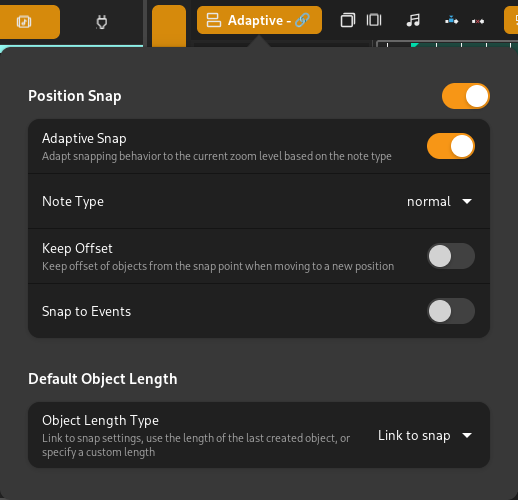
Il comportamento di aggancio si adatta al livello dello zoom corrente.
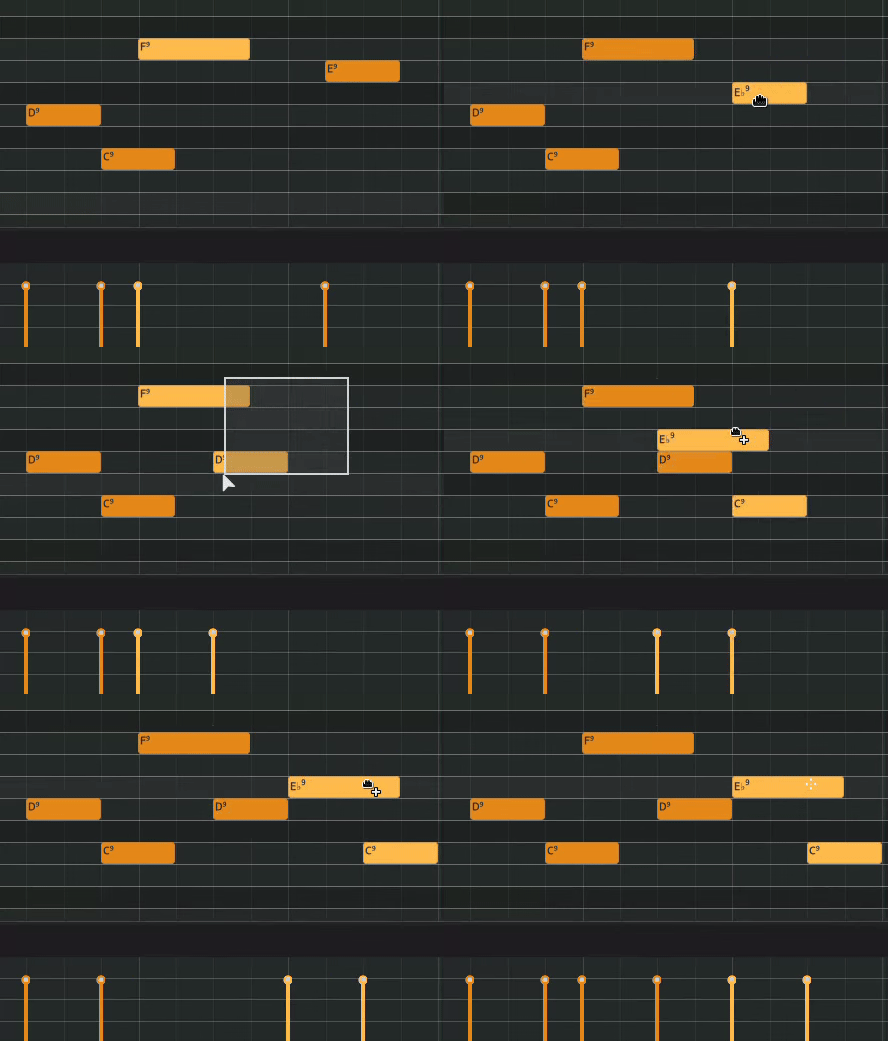
Cicli audio, MIDI, automazione e clip di accordi.
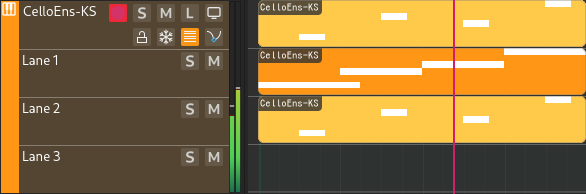
Aggiungi vari livelli di audio/MIDI alla stessa traccia con le corsie.
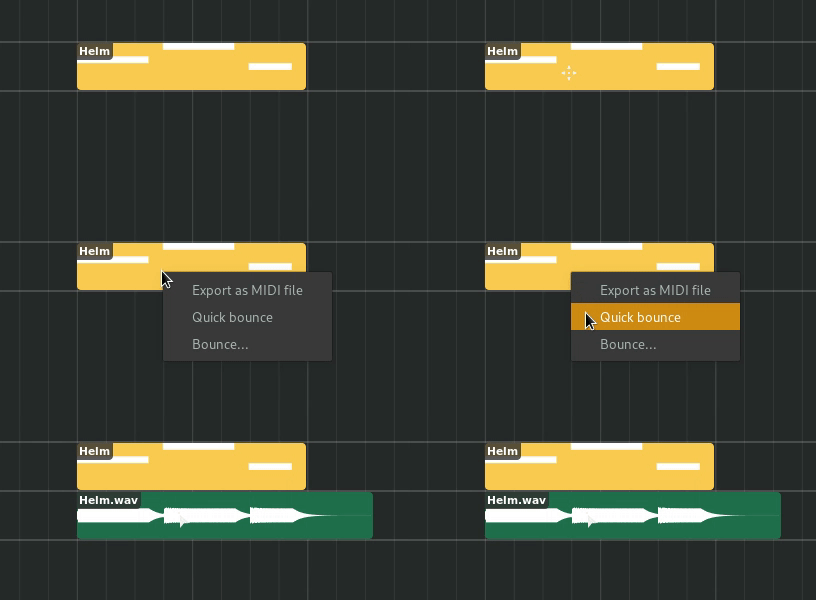
Quickly bounce selected material to audio.
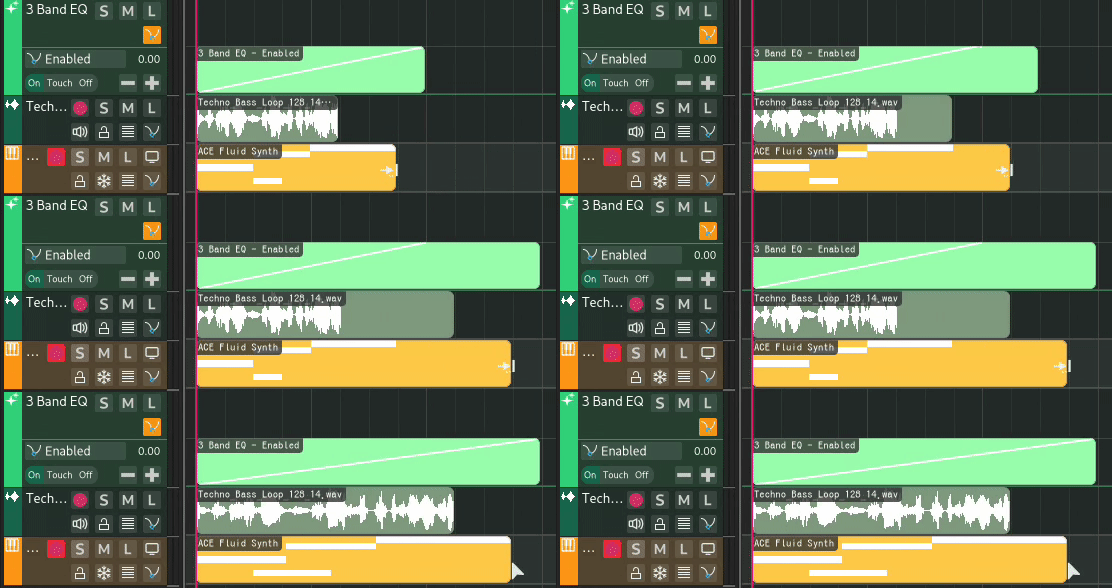
Stira ogni tipo di regione
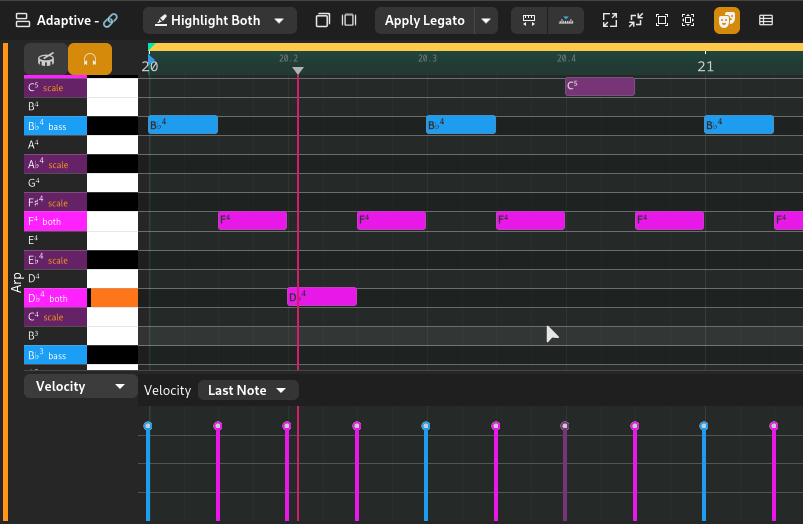
Crea, modifica e organizza eventi MIDI in un piano roll dedicato con accordi integrati.
Passa alla visuale percussioni con un clic per comporre con strumenti a colpo singolo.
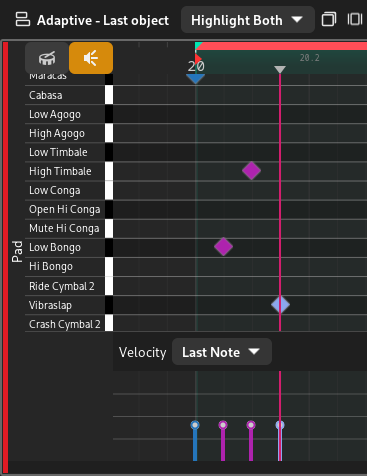
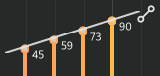
Modifica contemporaneamente più velocità con lo strumento selezione o disegnale con la matita o la rampa.
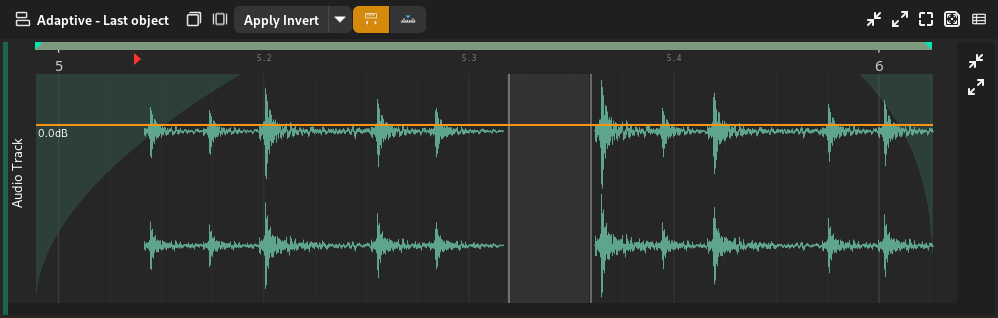
Regola dissolvenze/guadagno e modifica clip sonore grazie alle funzioni dell'editor audio.
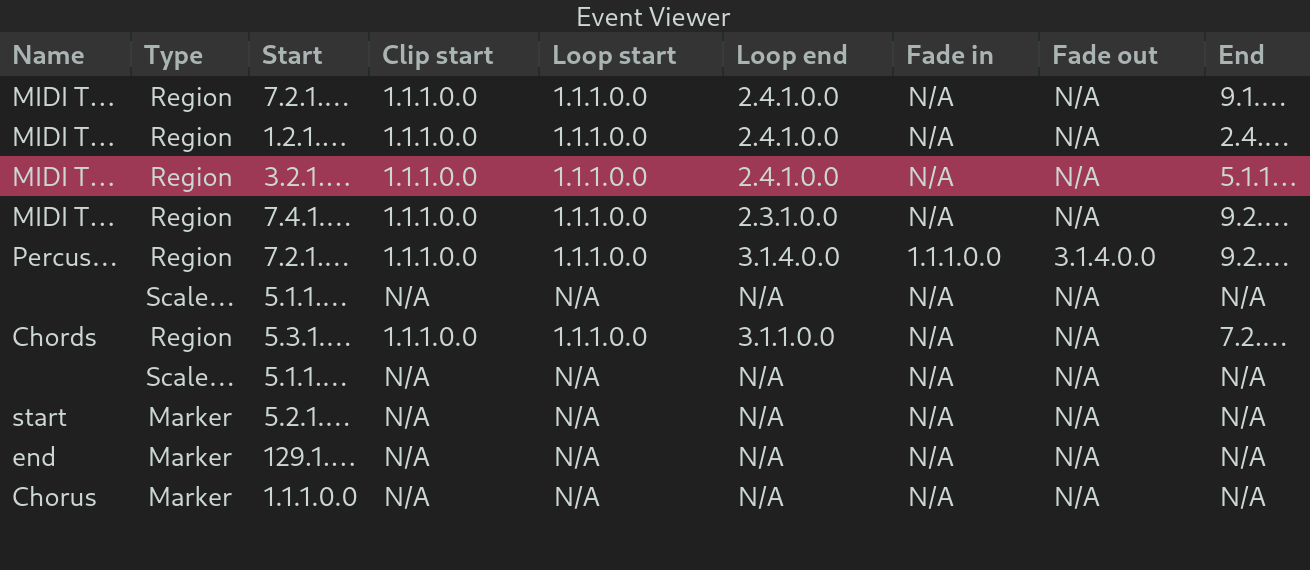
Modifica manualmente i parametri nel visualizzatore eventi.
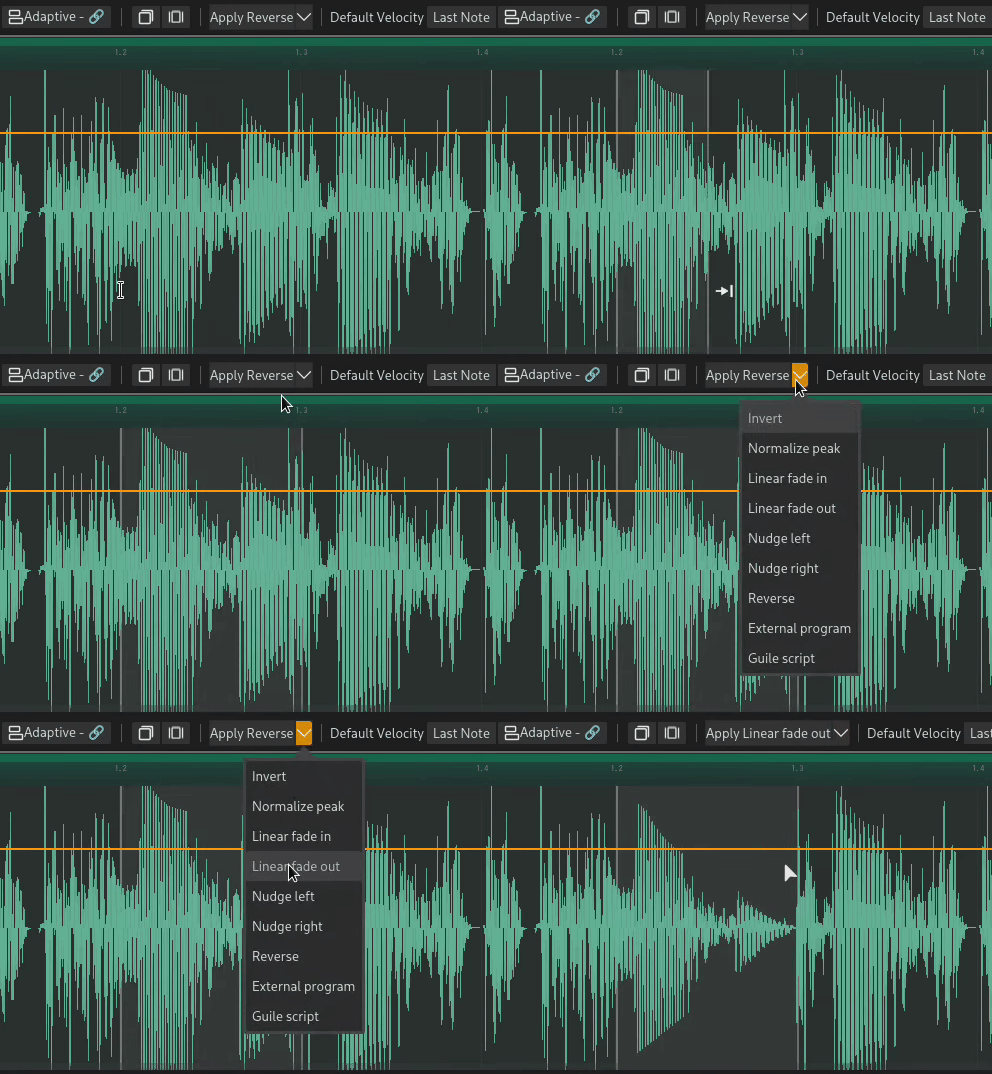
Applica velocemente funzioni come legato, inversione e dissolvenza in uscita agli oggetti selezionati.
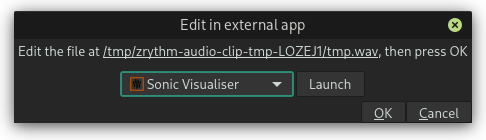
Modifica parti audio selezionate in qualsiasi app esterna.
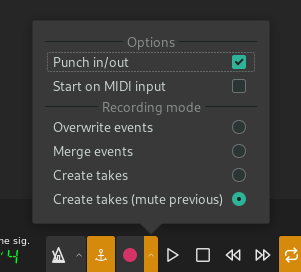
Registra audio/MIDI da qualsiasi dei tuoi dispositivi, o perfino da altre app attraverso JACK.

Usa punch in/punch out, registra su ingressi MIDI e salva varie prove dello stesso pezzo.
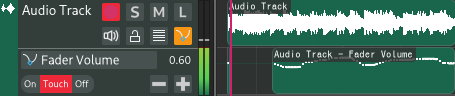
Record automation in latch/touch mode.
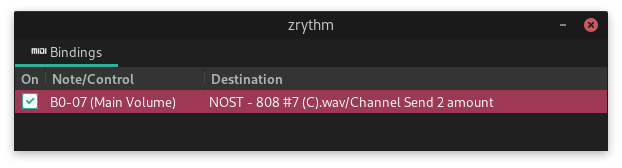
Bind your device knobs to controls inside Zrythm and record your actions.
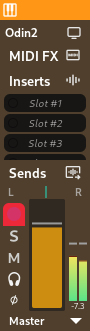
Organize audio/MIDI signal groups with group tracks.

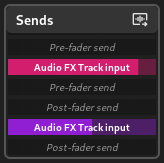
Easily route signals to FX tracks and plugin sidechain inputs.
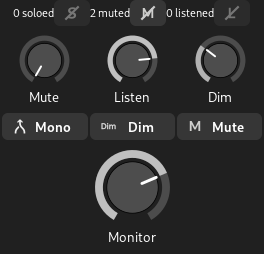
Listen to specified tracks in the context of the mix by dimming down every other track.
Change listen/mute/solo behavior and adjust what goes to your speakers.
Collega qualsiasi cosa a qualsiasi cosa.
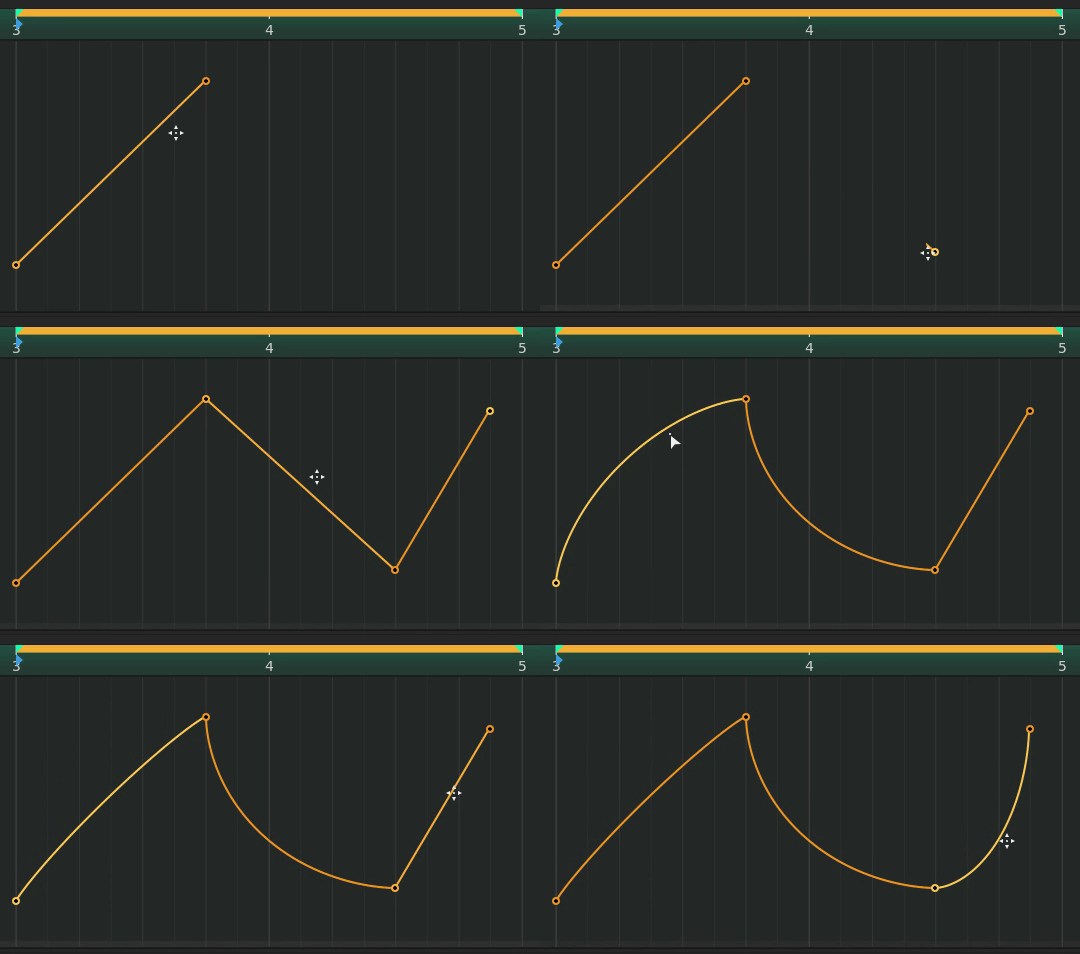
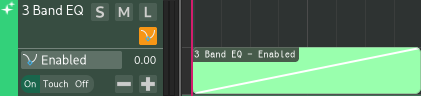
Automate parameters with straight lines or curves, choosing from multiple curve algorithms, such as Exponential and Elliptic curves.
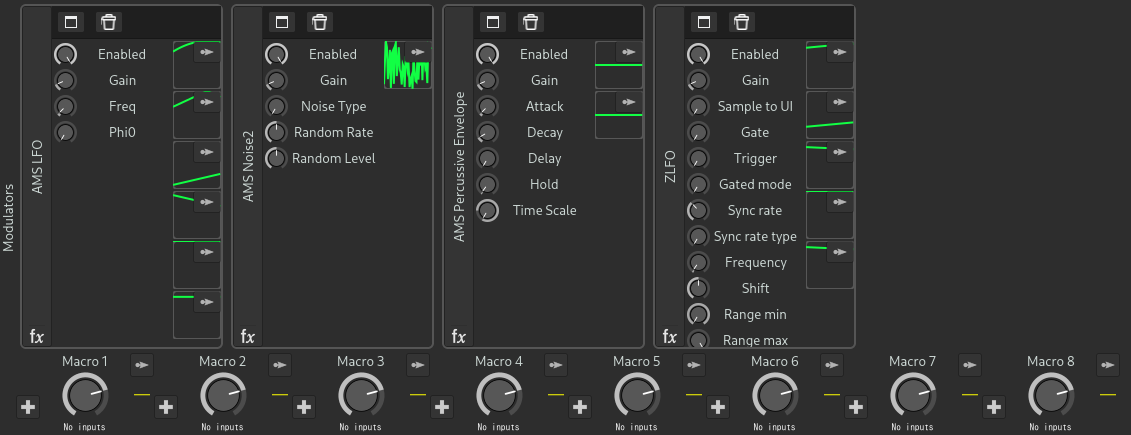
Automate parameters with CV signals or envelopes, including macro knobs and LFO plugins such as ZLFO.
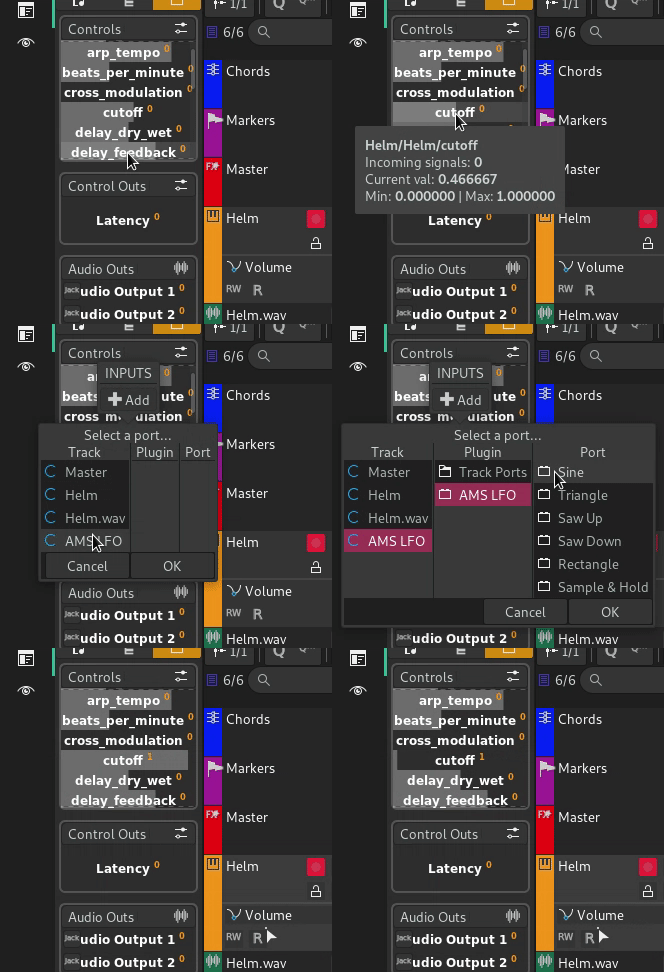
Automate any possible parameter, including the project's BPM and time signature.

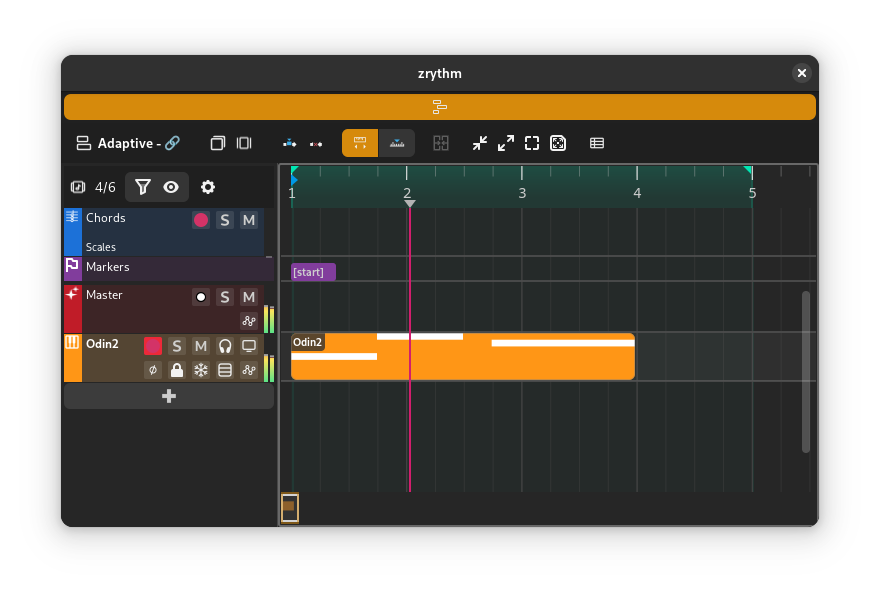
Detach views from any panel and work efficiently with multi-monitor setups.
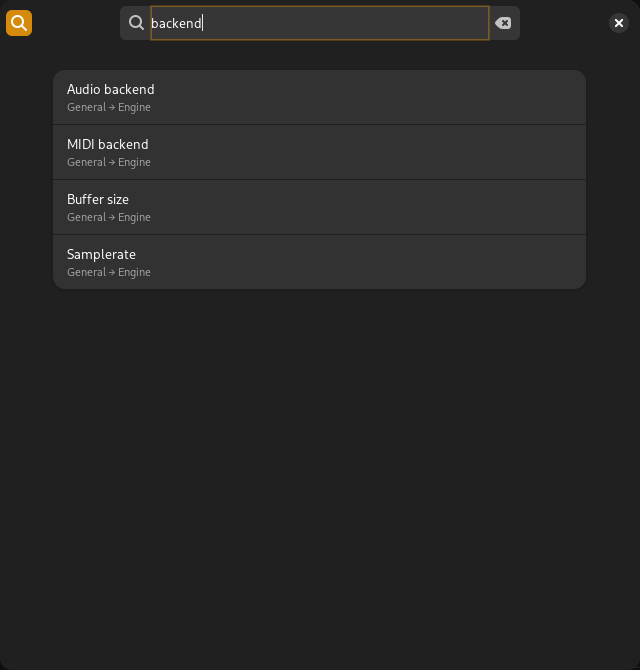
Start typing to locate the preference you're looking for.
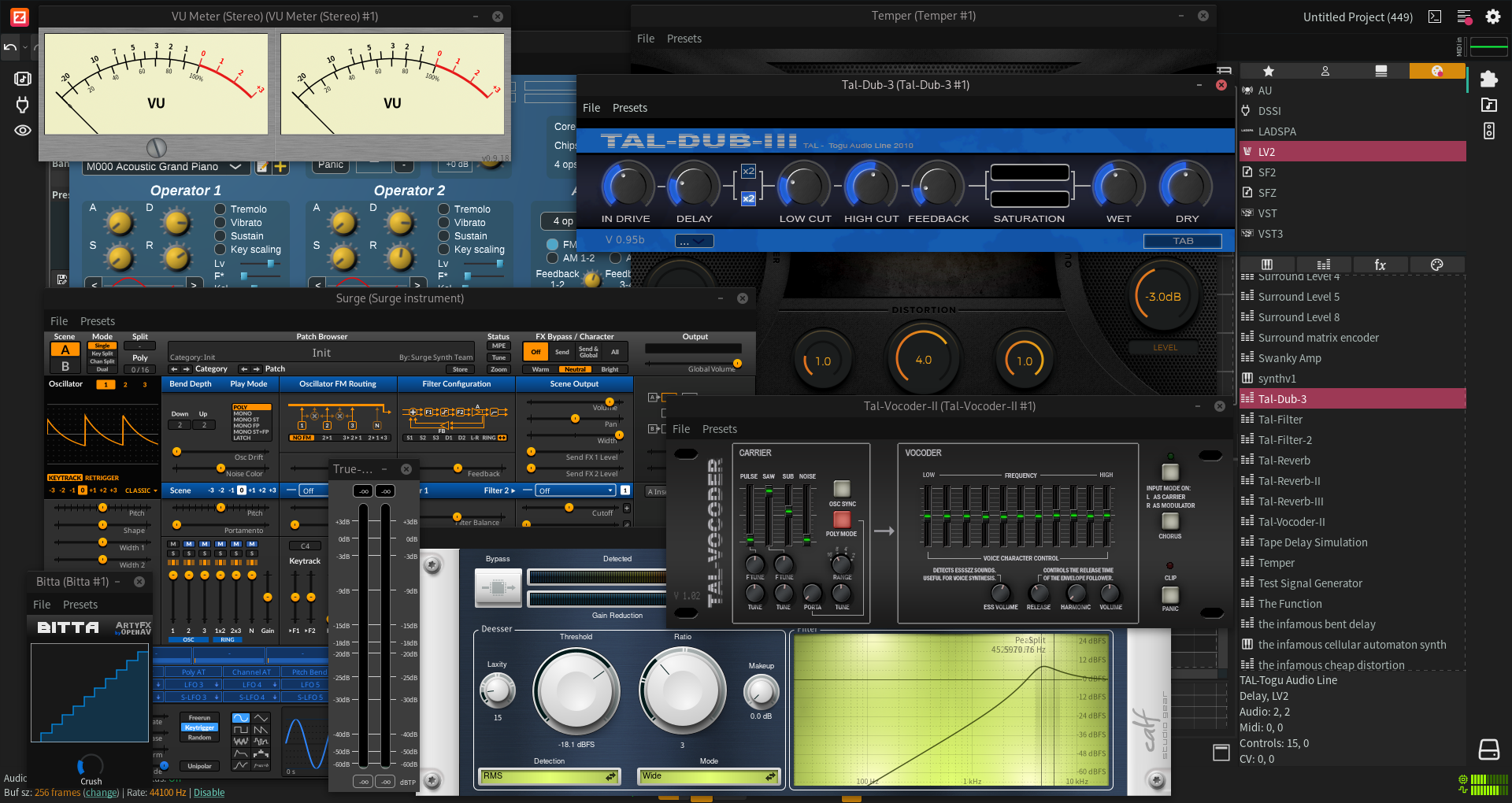
Edit all track and plugin parameters in the inspector.

Thanks to Carla, Zrythm supports a variety of plugin formats including LV2, VST2, VST3, AU, CLAP and JSFX.
Use SFZ and SF2 soundfonts as instrument plugins.
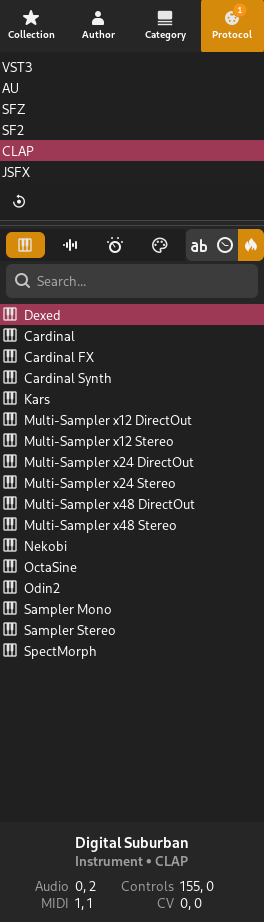
Easily filter plugins by author, format or category, and organize your favorite plugins with plugin collections.
Sandbox plugins by opening them in bridge mode.
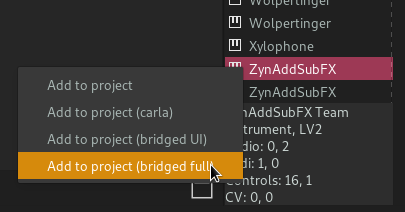
Easily bypass plugins in the signal chain with an automatable control.
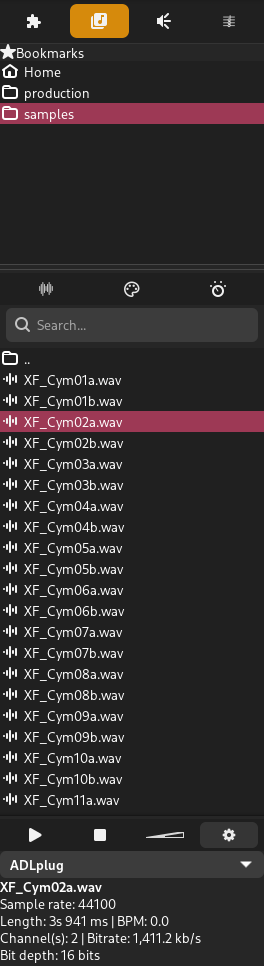
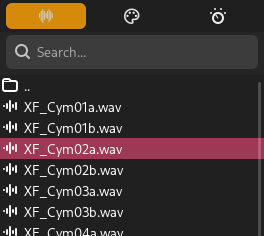
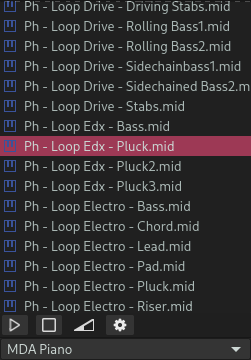
Browse and audition MIDI and audio files, and organize your favorite paths with favorites.
Import or export any format supported by libsndfile, with additional MP3 import support.
Import or export any part of the project in MIDI Type 0 or Type 1 formats.
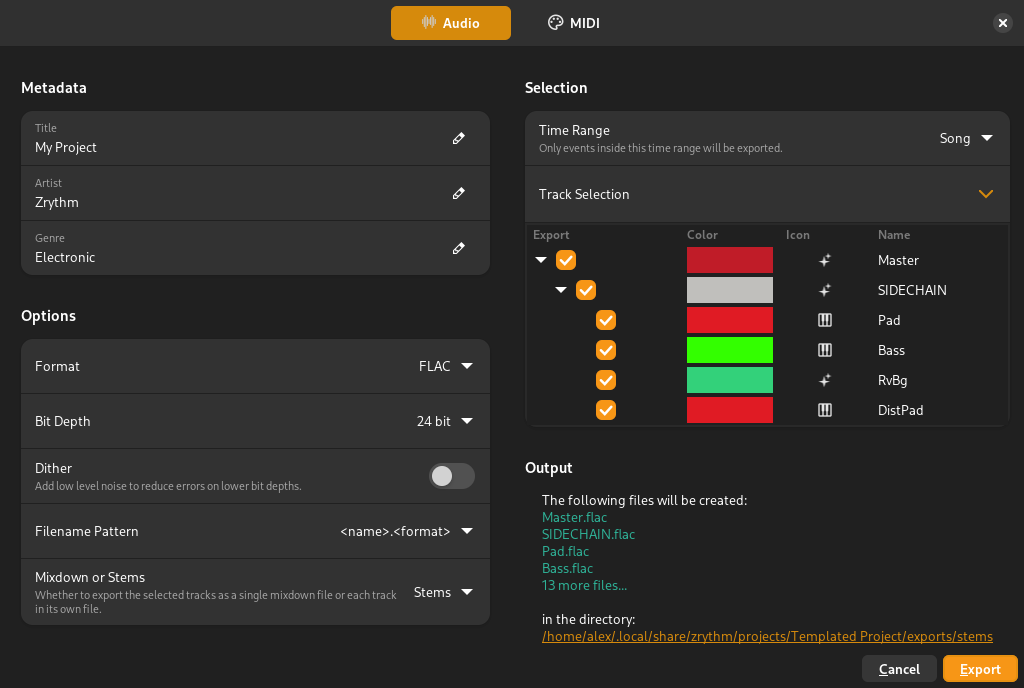
Export stems for specific tracks and share them with other producers.
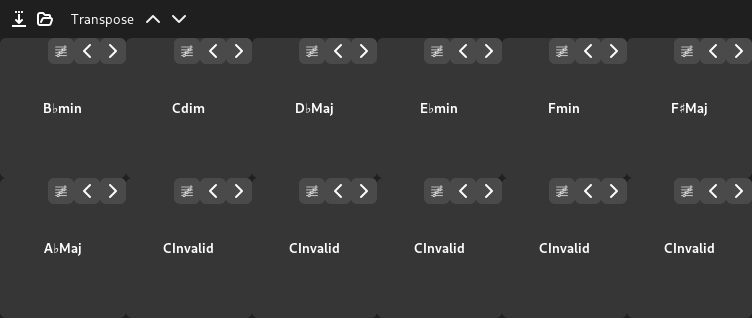
Quickly listen to chords by clicking the pads or pressing notes on your MIDI keyboard, and drag-and-drop chords to the timeline.
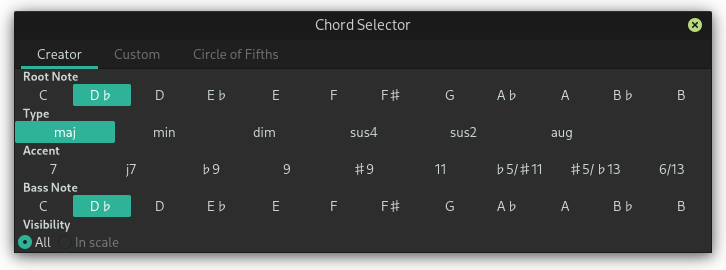
Invert chords with a single click or use the chord selector to choose any chord, with an option to filter chords in the current scale.
Dictate or record the scale and chord progression of the project, and optionally route the output to an instrument.

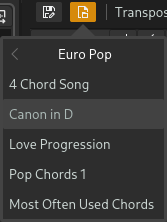
Generate chords from a wide range of scales, load included chord presets for various genres, or save your own.
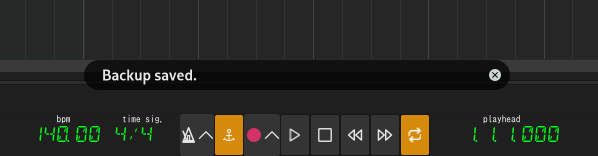
Backups taken automatically at user-specified intervals.
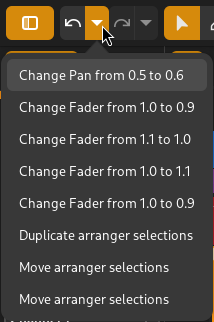
Almost every user action is undoable.
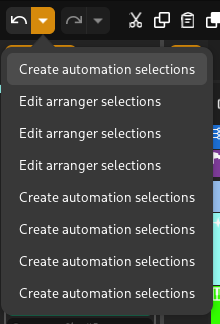
Keep your undo history when saving projects.
Most of the user interface is drawn on the GPU thanks to GTK4.
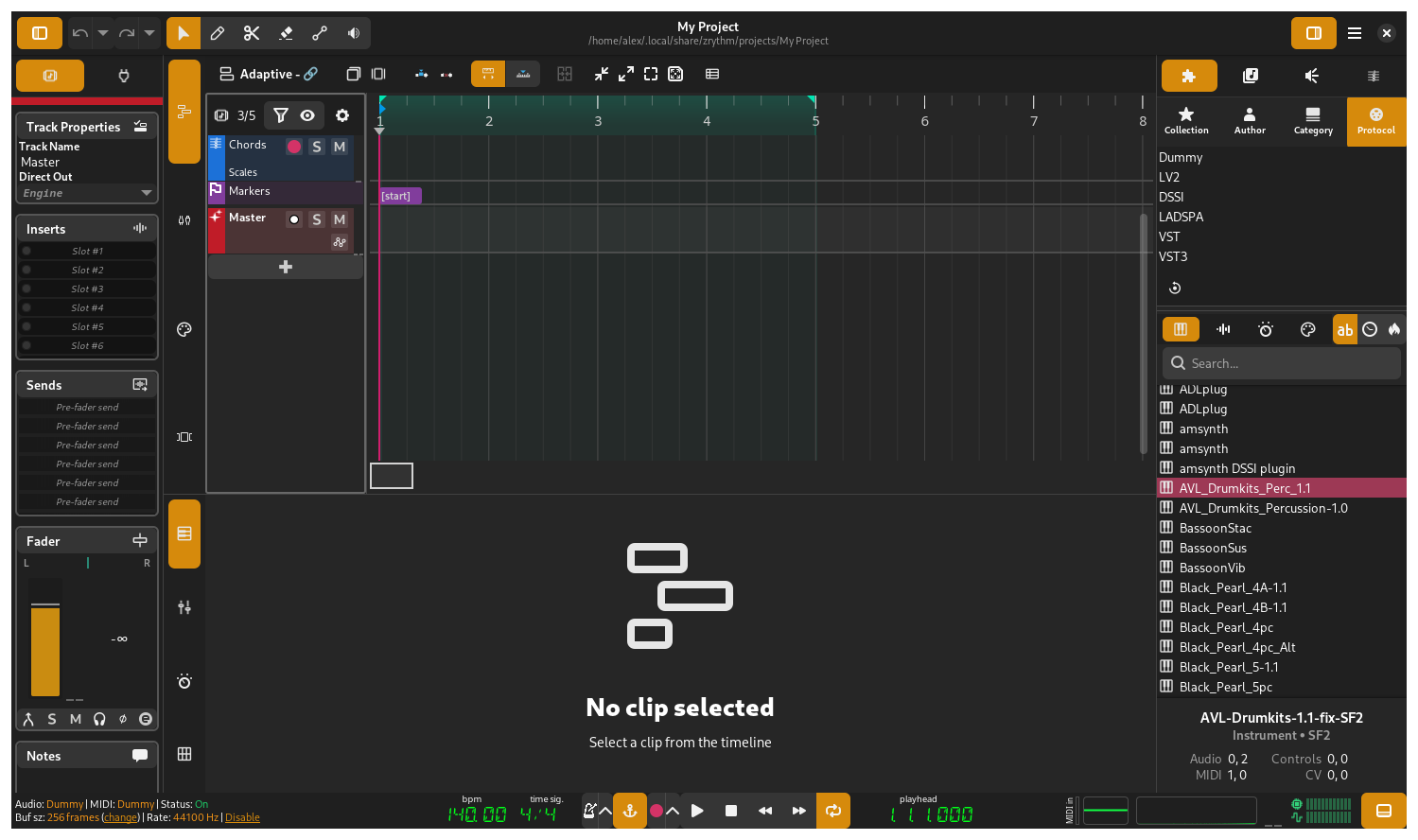
Zrythm uses lsp-dsp-lib which implements SIMD extensions such as SSE, AVX and FMA when available to speed up audio processing and minimize DSP usage.

Expensive computations are pre-calculated to save processing time.

Zrythm is designed to run on a wide variety of platforms and architectures including x86 architectures, PowerPC, RISC-V, ARMv7 and ARMv8.
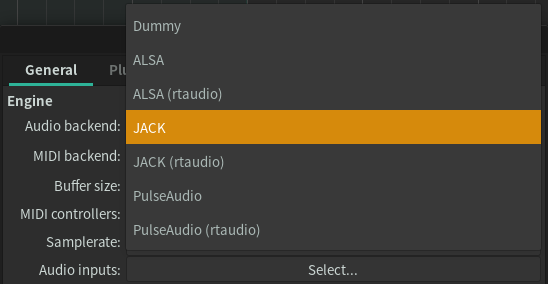
Support for almost all major audio and MIDI backends, including JACK/PipeWire, Windows MME, WASAPI and Core Audio/MIDI.
Use Zrythm in your preferred language.
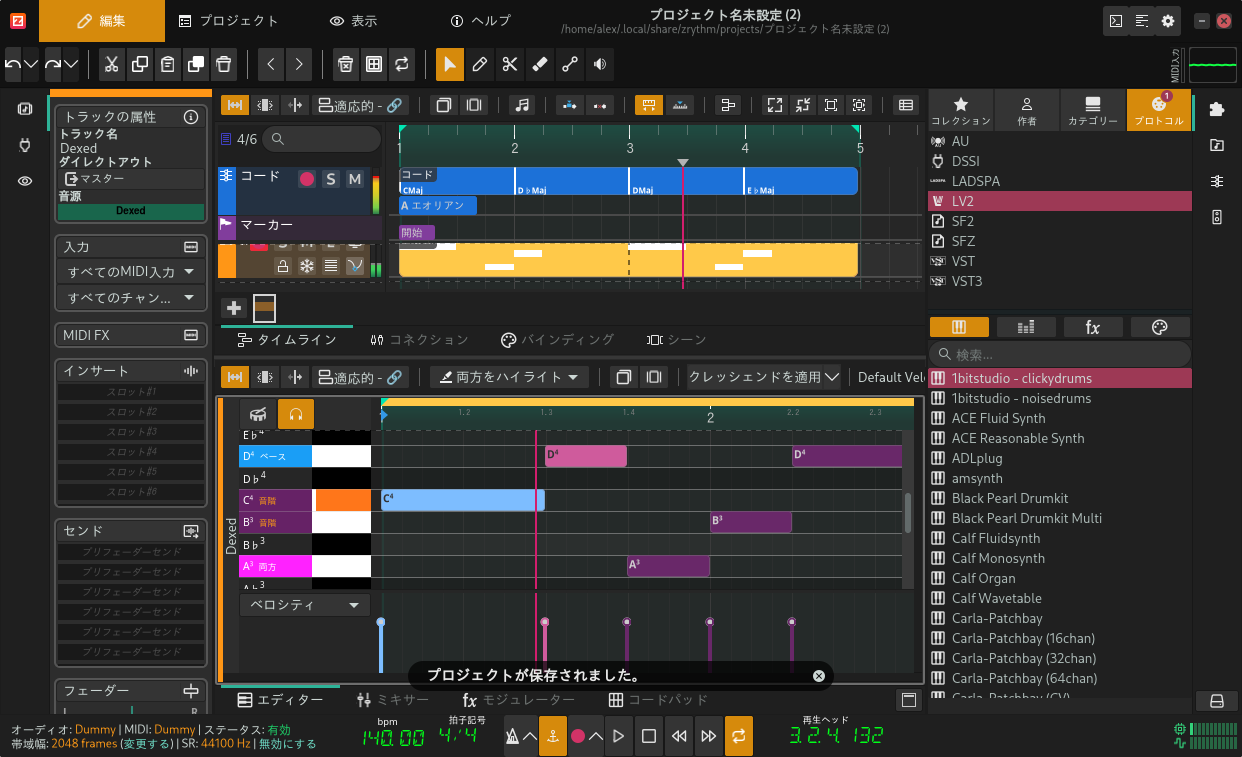
Add missing translations and locales on Weblate.

All source code is released as copyleft free software.
Zrythm supports open standards such as MIDI, LV2, FLAC and OGG.
We work with the free software community to ensure Zrythm builds and runs without issues on all platforms.